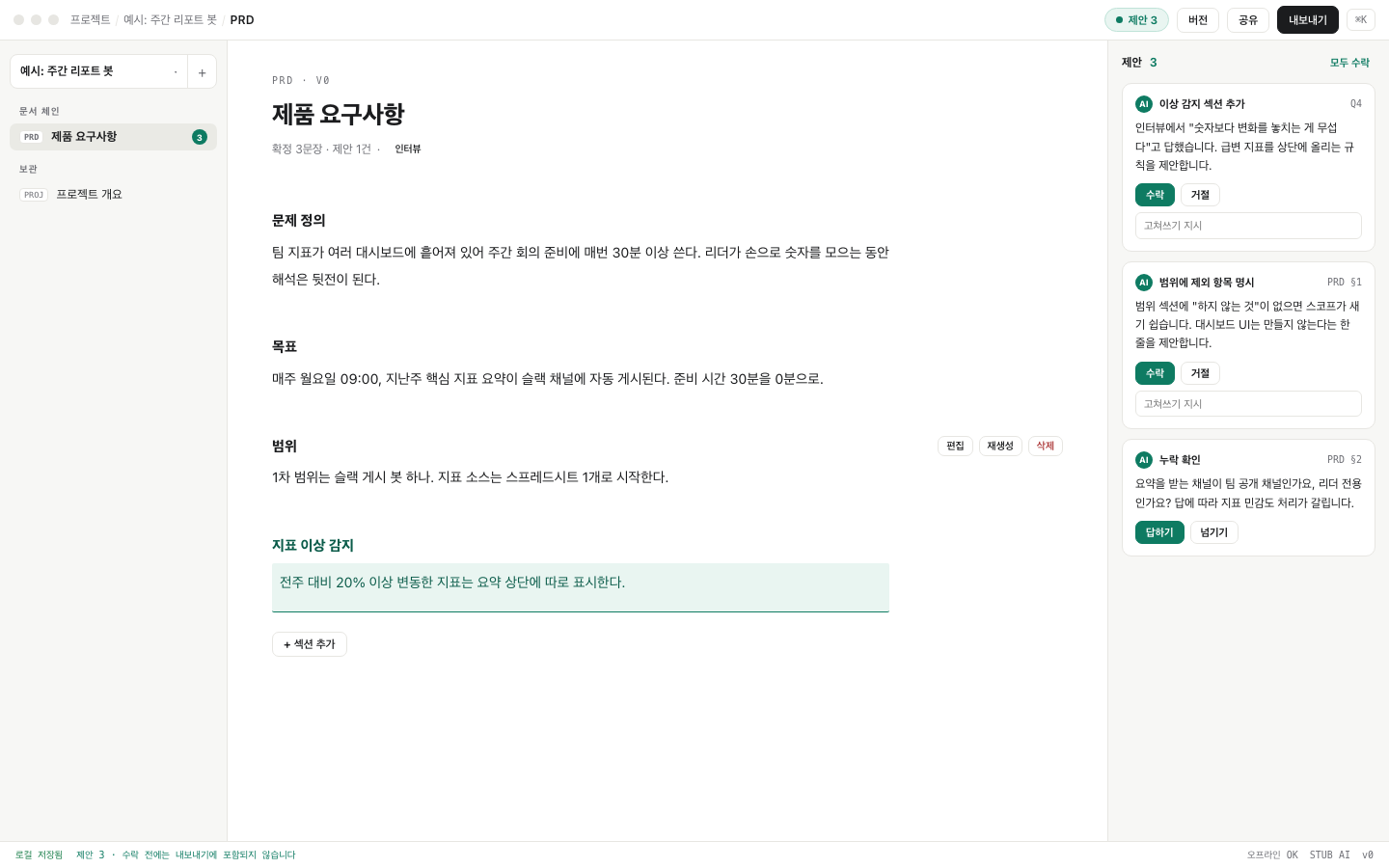
Drafting started as a desktop app. It drove your local Claude Code login, so there was no API key to paste and no credits to buy. On one machine it worked. On the next it didn't: the packaged app couldn't reach the login stored in the system keychain, and every request came back as an expired session.
The fix was to stop being an app
v1.6 adds a terminal mode. One command:
$ npx @hanmariyang/drafting serve
# → http://localhost:8477
Run from your terminal, the server inherits your shell: the Claude Code subscription you're already signed into, and any ANTHROPIC_API_KEY in your environment. No wizard, no keychain dance. The browser opens and you're drafting.
Same engine, two front doors
The desktop app and the terminal talk to the same local engine. Your documents live in one SQLite file under ~/.drafting. Nothing leaves the machine, and the AI's sentences still arrive as suggestions you accept one at a time.
If you hit a wall with the subscription in the GUI, reach for the terminal. It's the shortest path from "installed" to "it just works."